
How to boost ROAS on Meta ads when it drops: what to check in 2026
A step-by-step diagnosis for a falling Meta ads ROAS, based on Meta’s Business Help Center: tracking, attribution, learning phase, creative fatigue, auction overlap, budget and post-click.
On this page · 9 sections
- Why is my ROAS dropping, and what do I check first?
- Did your sales drop, or only the number in Ads Manager?
- Did an edit send your ad sets back into learning?
- Is your creative fatigued?
- Are your ad sets competing in the same auctions?
- Did you raise the budget too fast?
- Is the problem after the click?
- Are you reading the right level and time frame?
- How can you run this diagnosis every morning?
To boost ROAS on Meta ads when it keeps dropping, check six things in this order before you touch a budget: whether sales fell or only the reported number moved, whether an edit sent your ad sets back into learning, whether your creative is fatigued, whether your ad sets compete in the same auctions, whether you scaled the budget too fast, and whether the problem sits after the click. The order matters. A tracking gap or an attribution change can lower ROAS in Ads Manager while your store’s revenue holds, and every fix you then make on the campaign starts a new learning phase on top of the first problem. Most checks take a few minutes in Ads Manager: the Delivery column, the Last significant edit column, the ad relevance diagnostics and your attribution setting. Each step below points to the page of Meta’s Business Help Center it relies on, so you can check the source yourself.
TL;DR
- Compare purchases in Ads Manager with real orders first. A reporting gap is not a campaign problem.
- Read the Delivery column: “Learning”, “Learning limited”, “Creative limited” and “Creative fatigue” each call for a different fix.
- Meta counts changes to targeting, creative, optimization event or bid strategy, and any new ad, as significant edits that restart learning.
- Judge results over a full week, at the campaign level when you use Advantage+ campaign budget.
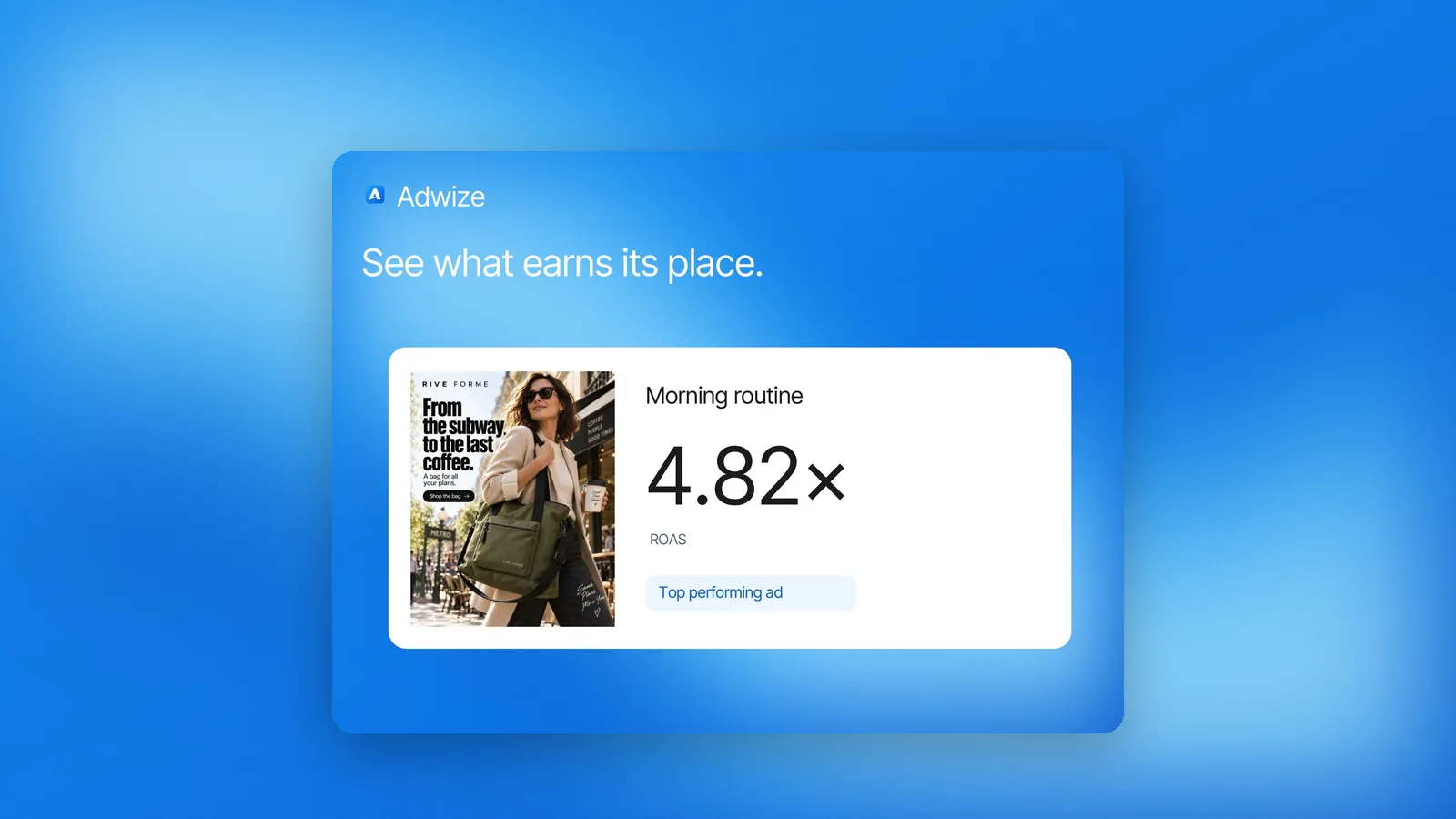
- Adwize runs this check every morning and tells you which ads lose money, and why.
Why is my ROAS dropping, and what do I check first?
Go from the cheapest check to the most expensive fix. Measurement comes first because it costs nothing to verify and changes nothing in your account. Campaign edits come last because each significant edit restarts learning. The table sums up the six checks, where to look and the first move.
| Order | What you see | Where to look | Likely cause | First move |
|---|---|---|---|---|
| 1 | Store orders steady, Ads Manager purchases down | Store or CRM vs Ads Manager, attribution setting | Tracking or attribution | Fix the signal, not the campaign |
| 2 | “Learning” or “Learning limited” | Delivery and Last significant edit columns | Recent significant edit, too few results | Stop editing; combine ad sets |
| 3 | “Creative limited” or “Creative fatigue” | Delivery column, ad level | Same image or video seen too often | Add a materially different ad |
| 4 | Ad sets that don’t spend or stay in learning | Opportunity score, audience definitions | Auction overlap | Combine or turn off overlapping ad sets |
| 5 | Cost per result up after a budget raise | Budget history | Costlier opportunities, learning reset | Let learning finish before changing again |
| 6 | Clicks steady, purchases down | Ad relevance diagnostics, site | Landing page, offer, checkout | Check the page and the offer |
- ROAS
- = revenue ÷ ad spend
- Break-even ROAS
- = 1 ÷ margin
- With a 40% margin
- = 1 ÷ 0.40 = 2.5
Did your sales drop, or only the number in Ads Manager?
Start outside Ads Manager. Compare the purchases Meta reports with the orders in your store or CRM for the same days. If orders held while reported ROAS fell, the issue is measurement: tracking, attribution setting or iOS reporting. Editing the campaign would then only add noise to a problem it cannot fix.
Three things move reported ROAS without moving sales:
- Your attribution setting. Meta credits a purchase to your ad if it happens within a set window. The standard options are 1-day or 7-day click-through, 1-day view-through and 1-day engage-through. Meta warns that results cannot be compared across ad sets with different attribution models, and offers a Compare attribution settings feature for that. It also notes that some accounts may still use prior versions of click-through and engage-through attribution while the feature rolls out, so check what your ad sets actually use.
- iOS reporting. Meta measures web events from people on iOS 14.5 and later through Aggregated Event Measurement, which removes identifiers, adds differential privacy and aggregates data. Website custom audiences may also shrink as more devices update.
- Lost signal. Meta says the Conversions API is less affected than the pixel by browser loading errors, connectivity issues and ad blockers, and that it can raise event match quality. If you run the pixel alone, part of your sales may never reach Meta.
Did an edit send your ad sets back into learning?
Check the Delivery column and the Last significant edit column. During learning, Meta says performance is less stable and cost per result is usually higher. An ad set exits learning once delivery is stable, which usually happens after about 50 results in the week after its last significant edit.
Meta lists as significant edits: any change to targeting, creative or optimization event, adding a new ad, changing bid strategy, and pausing for 7 days or longer. Budget and bid amounts count depending on size: moving from $100 to $101 is unlikely to matter, while $100 to $1,000 may restart learning.
If the column reads “Learning limited”, the ad set is unlikely to reach about 50 optimization events in a week. Meta names the usual causes: small audience, low budget, low bid or cost control, high auction overlap, an infrequent optimization event, or too many ads at once. Its fixes: combine ad sets, widen the audience, raise the budget or the bid, or optimize for a more frequent event, such as add to cart instead of purchase.
Is your creative fatigued?
Meta flags it in the Delivery column. When your audience has seen the same creative too many times, you see “Creative limited” if cost per result sits above your past ads but below double, and “Creative fatigue” once it reaches double or more. Meta counts recent exposures of the same image or video, including in other campaigns from your Page.
Meta’s recommendations: create a new ad with an image or video materially different from the original, widen your audience, or try Advantage+ creative. It also notes that keeping the original ad active, rather than pausing it, may maximize results.
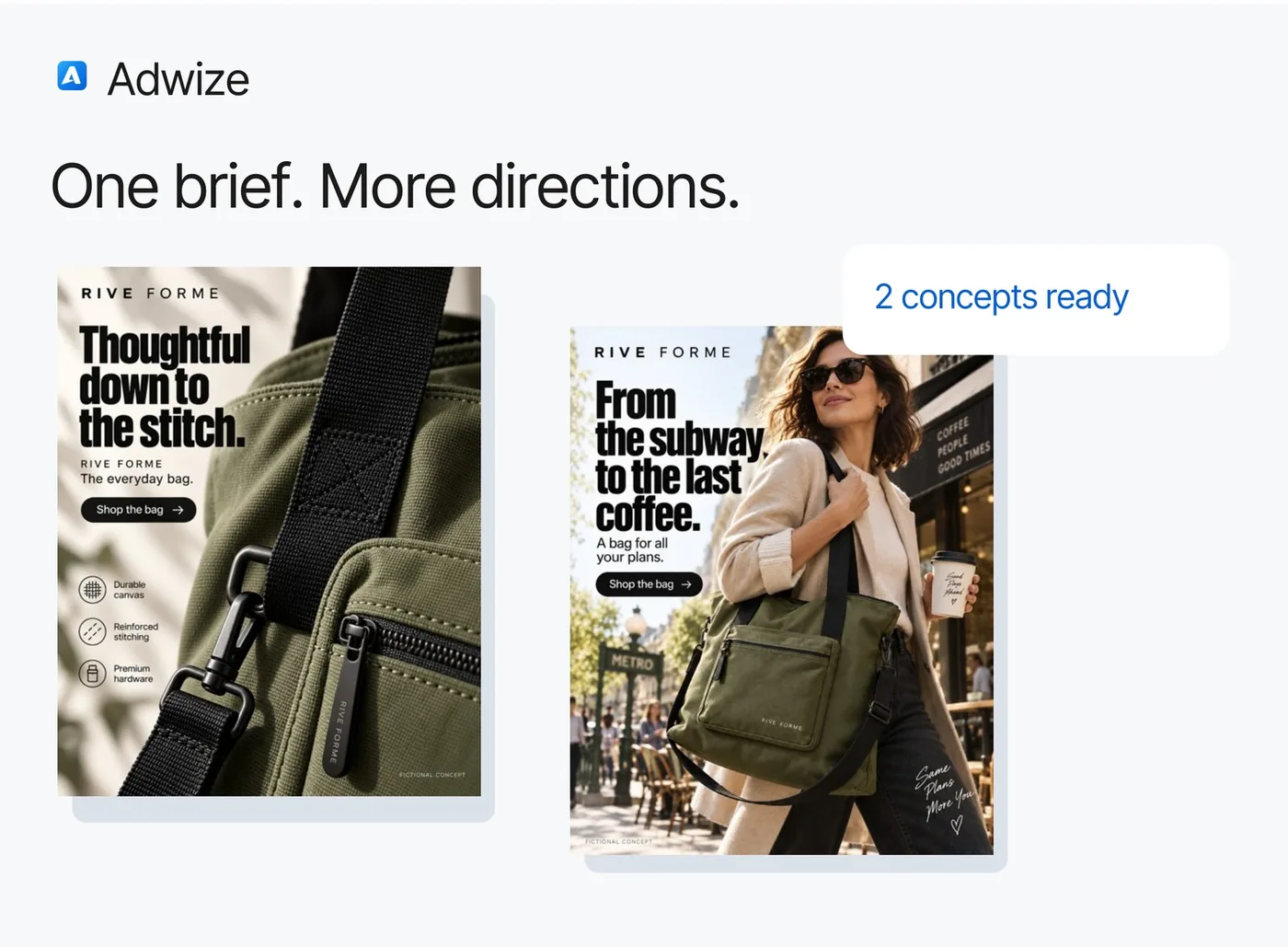
One limit: this status only covers ad sets with a single creative, with some exceptions. In ad sets with several ads, watch cost per result for each ad week over week. Our guide on spotting ad fatigue shows what to look for.
Are your ad sets competing in the same auctions?
When several of your ad sets reach the same people, Meta enters only the ad with the highest total value in each auction, and the others sit out. Your ads never bid against each other, but the ones left out may fail to spend their budget or to collect enough results to exit learning.
Meta says overlap can even happen across separate ad accounts from the same advertiser. To reduce it: combine similar ad sets and their budgets, or turn off the overlapping ad sets that are learning limited or have the fewest results and move their budget to the active one. See ad sets that compete with each other for a worked example.
Did you raise the budget too fast?
A bigger budget buys costlier results. Meta says it uses your budget to capture the lowest-cost opportunities first, then moves on to more expensive ones, so cost per result can rise when your budget is well above usual. A large jump can also send ad sets back into learning.
The same logic explains a slow decline over a campaign’s life. Meta’s answer to “why are my campaign prices increasing over time?” is that delivery takes the cheapest opportunities first and, once they run out, may move to pricier ones. The auction also weighs your bid, your estimated action rate and your ad quality against every other advertiser trying to reach the same person, so more competition can mean a higher price to win. Meta’s advice: let a campaign exit learning before you make another change.
Is the problem after the click?
If clicks hold but purchases fall, look past the ad. Meta’s ad relevance diagnostics rank each ad’s quality, engagement rate and conversion rate against ads competing for the same audience. Meta presents them as a way to tell whether the creative, the post-click experience or the targeting needs work.
A low conversion rate ranking next to a normal engagement rate ranking is a reason to check the landing page, the price, the stock and the checkout. The diagnostics need at least 500 impressions per ad, and they are not inputs into the auction, so a low ranking does not raise your costs by itself.
Are you reading the right level and time frame?
Read a full week, at the level where the budget lives. Meta says daily delivery varies and, for some accounts, can spend up to 75% over the daily budget on some days, while never exceeding 7 times the daily budget over a week. With Advantage+ campaign budget, judge the campaign as a whole.
Meta calls the most common misreading the “breakdown effect”. An ad set or placement can show a higher average cost per result and still receive more budget, because the system is buying the cheapest next result available at that moment. Pausing it on the strength of a breakdown can make the whole campaign more expensive.
How can you run this diagnosis every morning?
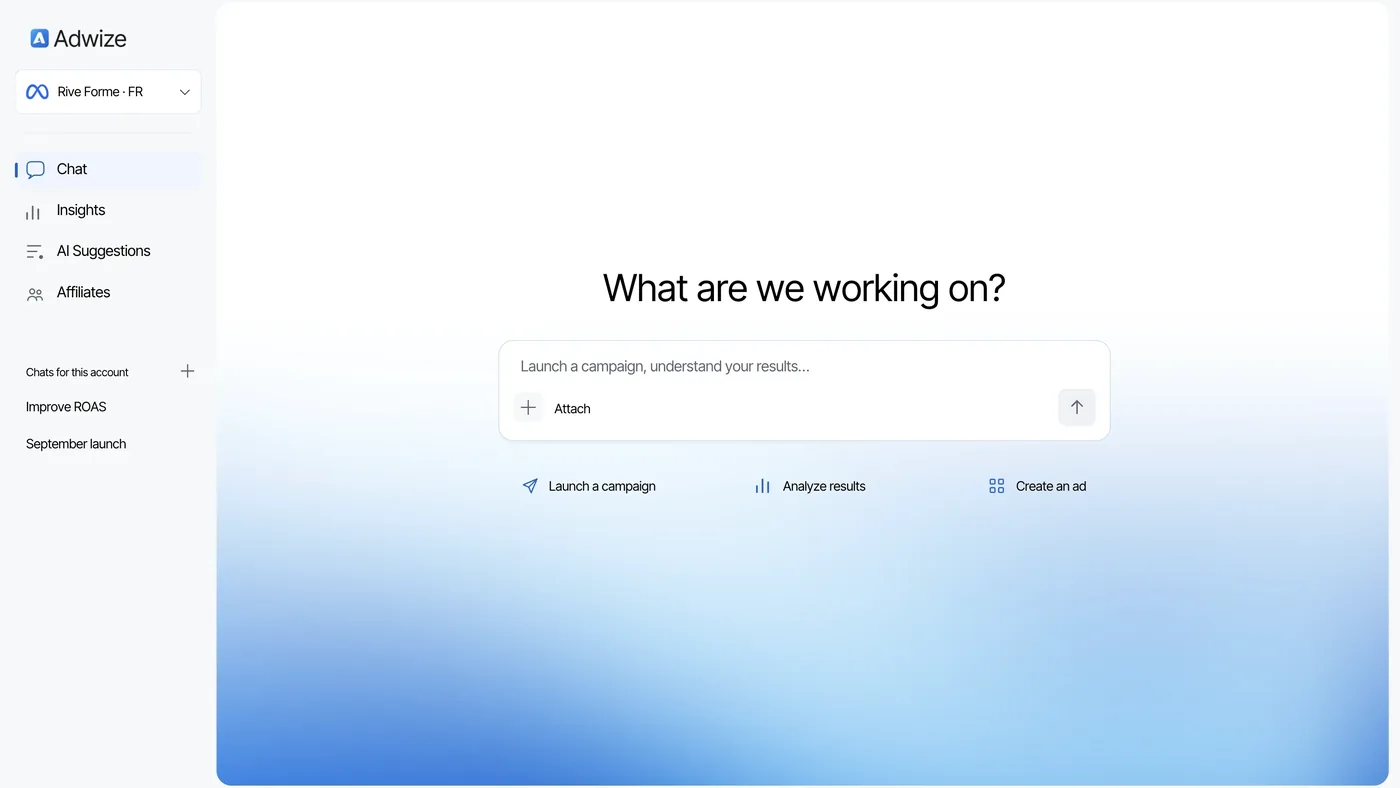
By hand, it takes a pass through columns, breakdowns and your store data. Adwize does that pass for you each morning: it flags the ads above your target cost per sale, gives the reason in one plain sentence, and waits for your approval before changing anything.
Because nothing changes without your OK, you choose when an edit lands, which helps you avoid restarting learning several times in one week. Adwize also warns you when an ad wears out, with fresh versions ready, and on Growth watches your account 24/7 with rules you write in plain English. Starter costs $97 a month for up to $1,000 of monthly ad spend, and you can start with a free trial with credits. See how it works on the Optimize page.
Frequently asked questions
How long should I wait before reacting to a ROAS drop?
Meta recommends reading performance over at least a full week. If the ad set is in learning, give it time to reach about 50 results after the last significant edit before you judge it.
Does raising my budget reset the learning phase?
It depends on the size of the change. Meta’s own example: $100 to $101 is unlikely to restart learning, $100 to $1,000 may. With Advantage+ campaign budget, a campaign budget change can send several ad sets back into learning.
Why does Ads Manager show fewer purchases than my store?
Usually for three reasons: your attribution window only credits purchases within a set time after a click, view or engagement; iOS 14.5+ events are measured in aggregate; and the pixel misses some events because of browser errors or ad blockers. Adding the Conversions API narrows the last gap.
Should I pause an ad marked “Creative fatigue”?
Meta suggests adding a new, materially different ad first, and notes that keeping the original active may maximize results. Pausing an ad set for 7 days or longer also counts as a significant edit.
What ROAS should I aim for?
It depends on your margin, not on a benchmark. Your break-even ROAS is 1 divided by your gross margin: with a 40% margin, you need a ROAS of 2.5 for the gross profit of each sale to pay for the ad.
Sources
- Meta, About the learning phaseAccessed 09/24/2026
- Meta, Significant edits and learning phaseAccessed 09/24/2026
- Meta, About learning limitedAccessed 09/24/2026
- Meta, Creative fatigue recommendations in Meta Ads ManagerAccessed 09/24/2026
- Meta, About ad relevance diagnosticsAccessed 09/24/2026
- Meta, Understand auction overlapAccessed 09/24/2026
- Meta, About ad auctionsAccessed 09/24/2026
- Meta, Best practices to potentially reduce cost per resultAccessed 09/24/2026
- Meta, Understand fluctuations in ad performanceAccessed 09/24/2026
- Meta, About the “breakdown effect”Accessed 09/24/2026
- Meta, About attribution models and attribution settingsAccessed 09/24/2026
- Meta, About actions attributed to your adAccessed 09/24/2026
- Meta, About Meta’s Aggregated Event MeasurementAccessed 09/24/2026
- Meta, Reach people using iOS 14.5 or later with Meta adsAccessed 09/24/2026
- Meta, About Conversions APIAccessed 09/24/2026
- Adwize: OptimizeAccessed 09/24/2026
