
About Advantage+ creative: Meta’s enhancements, explained
Meta’s help article “About Advantage+ creative” only loads with JavaScript. Here are its enhancements, defaults and on and off steps in plain words, from Meta’s help center as read on October 9, 2026.
On this page · 8 sections
- What is Advantage+ creative?
- Which enhancements does Advantage+ creative include?
- Which enhancements use generative AI?
- Which enhancements work with which ad formats?
- How do you turn on Advantage+ creative?
- How do you turn off Advantage+ creative enhancements?
- Which enhancements may be on by default?
- How does Adwize fit with Advantage+ creative?
Advantage+ creative is a set of enhancements in Meta Ads Manager and Meta Business Suite that adjusts your images, videos and text into versions your audience is more likely to interact with. Meta says it tries to keep the core message of your campaign, but the media and text you upload may be changed. Which enhancements you get depends on your ad format, your placements and whether you use a catalog. They range from brightness and contrast or music to generative AI features such as image generation, text generation, video touch-ups and translations, which Meta labels AI. Some enhancements, like Show summaries or Reveal details over time, may be turned on by default, and you can turn any of them off at any time. You manage them in the Enhancements step of the ad creative, and some only in Advanced preview. Advantage+ creative is not available with the awareness objective or with dynamic creative.
TL;DR
- Advantage+ creative adjusts your images, videos and text into versions people are more likely to interact with.
- The enhancements on offer depend on your ad format, your placements and whether you use a catalog.
- Meta labels the generative AI ones AI: image generation, text generation, video touch-ups, translations and more.
- Some enhancements are on by default. Check both Enhancements and Advanced preview before you publish.
- Adwize makes creative variants in your brand colors on its Create page, and you approve each one.
What is Advantage+ creative?
Advantage+ creative is a group of automatic enhancements for your ads in Meta Ads Manager and Meta Business Suite. When it is on, Meta can turn your images and videos into versions your audience is more likely to interact with, and the version shown can vary with the person and with the optimization used.
Meta is open about the trade-off. It tries to keep the core message of your campaign, but the media and text you upload may be adjusted to improve performance. If the branding feature is on, Meta tries to use your brand preferences in some enhancements.
The enhancements are not all-or-nothing. Each one has its own switch, some start on, and you can turn any of them off at any time.
Which enhancements does Advantage+ creative include?
Meta lists more than twenty enhancements, which the setup screen sorts into Media, Text and Interactivity. On the media side: brightness and contrast, visual touch-ups, image generation, add animation, add music, video effects and video touch-ups. They change how your picture or video looks, or reshape it to fit placements.
On the text side: text generation, which can write up to five variations of your primary text and headline, text improvements, enhance media text, add overlays and translations of text, voice and image overlays.
On the interactive side: relevant comments, Show spotlights, Show summaries, Reveal details over time, Enhance CTA, sticker CTAs, product tags, product browsing and store locations. Carousel ads add Highlight carousel card, Profile end card and Dynamic description. Catalog ads add dynamic overlays, standard labels, image touch-ups and background generation.
Which enhancements use generative AI?
Meta labels them AI on its help page. They include add animation, add music, add overlays, video effects, background generation, sticker CTAs, Enhance CTA, enhance media text, image generation, image touch-ups, Show summaries, text generation, text improvements, translations, video subtitles, video touch-ups and visual touch-ups.
Ads with images created or heavily edited by some of these tools may carry AI info, either on the About this ad screen or as a label next to the Ad label. Meta’s Ad Creative Generative AI Terms have applied to these features since May 6, 2024.
Not everyone gets every AI feature. Meta says financial services, pharma and health, housing, employment, credit, and social issue or political ads, as well as some countries, may not have immediate access.
Which enhancements work with which ad formats?
Each enhancement has its own format limits, and Meta notes them one by one. Add animation, brightness and contrast, add overlays, image generation and enhance media text are for single image ads. Video effects, sticker CTAs and video touch-ups are for video. Carousel ads get their own card features.
Placements matter too. Product tags only appear on Instagram Feed. Show spotlights is delivered to Instagram Stories and Reels. Video subtitles works for single video ads with English voiceovers, placed in Instagram Reels.
Example. A skincare brand runs one product photo as a single image ad. It can get animation, overlays and image generation, but not video subtitles or Highlight carousel card, which belong to other formats.
| Enhancement | What it does | Format | AI label |
|---|---|---|---|
| Text generation | Up to 5 primary text and headline variations | Image, video, carousel | Yes |
| Image generation | New versions of your original image | Single image | Yes |
| Video touch-ups | Crops or expands video to 9:16 or 4:5 | Single video | Yes |
| Brightness and contrast | Adjusts the image when it may help | Single image | No |
| Highlight carousel card | Shows the best card first | Carousel | No |
| Dynamic overlays | Shows catalog prices or discounts on media | Catalog ads | No |
| Show summaries | Short summary of your selling points | Image or video | Yes |
How do you turn on Advantage+ creative?
In Ads Manager, click Create and go through the steps to Ad setup. Choose your ad format, open Ad creative and set up your creative. In Enhancements, customize the ones you want and turn each on or off. The For review tab lists inactive enhancements and those that will switch on for the first time when you publish.
Advanced preview then shows two tabs: Advantage+ creative, to see how each enhancement could change your ad and switch it there, and Placements, to see variations by placement. When you are done, finish the ad and publish.
Two limits apply. With the awareness objective, or if you use dynamic creative, you cannot turn on Advantage+ creative. In Meta Business Suite, it is switched on by default and you can toggle it off.
How do you turn off Advantage+ creative enhancements?
During ad creation, open Ad creative, click Set up creative and go to Enhancements. Turn off the ones you do not want, or customize them, then click Done. Next, in the ad preview, click Expand to open Advanced preview, check the Advantage+ creative tab and switch off anything still on. Click Save, then publish.
The second check matters. Meta notes that some enhancements can only be turned off in Advanced preview and do not show in the Ad creative, so you have to look at both places to see the full picture.
After publishing, go to Ads, tick the ads, click Edit and open the Advantage+ creative section, which shows how many enhancements are on. Click Edit, switch off what you want, save and publish the change.
- Open Ad creative, then Set up creative
- Go to Enhancements, switch off what you do not want
- Click Done
- In the preview, click Expand for Advanced preview
- Check the Advantage+ creative tab, then Save
Which enhancements may be on by default?
Meta says several may switch on by themselves. With a single image or video ad, Reveal details over time, Show spotlights and Show summaries may be on by default. With a traffic or sales campaign and an eligible catalog, Add product tags may be on by default too.
That is why Meta asks you to check the ad preview before publishing and review how the enhancements might change your creative. If you want your ad to run exactly as uploaded, look for what is on before you click Publish.
Example. A shop uploads a clean product video with its own text. Show summaries adds a short AI summary of its selling points between the footer and the comments. If the brand does not want that, it switches the enhancement off before launch.
- Single image or video
- = Reveal details, spotlights, summaries
- Traffic or sales with a catalog
- = Add product tags
- Meta Business Suite
- = Advantage+ creative itself
How does Adwize fit with Advantage+ creative?
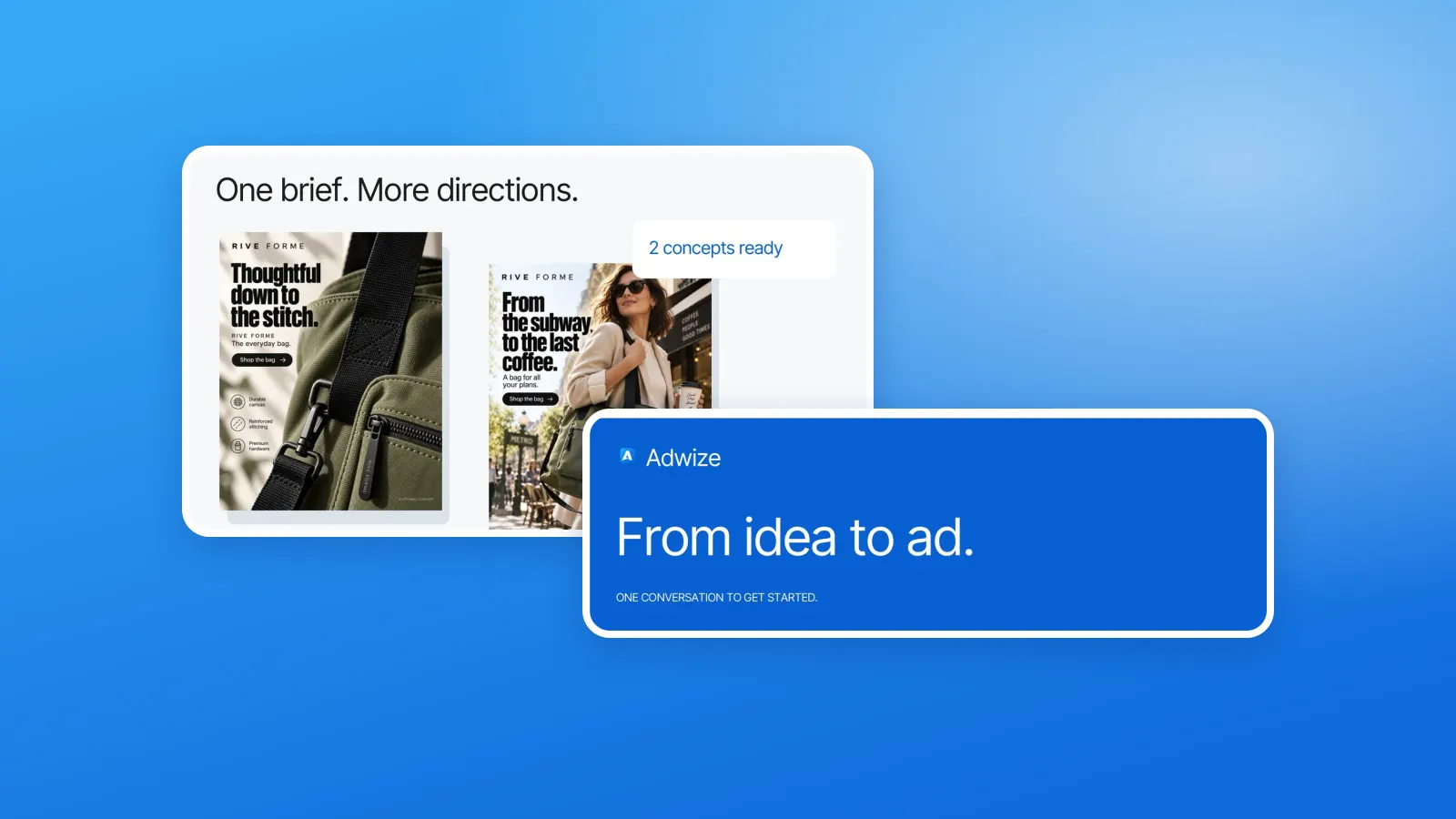
Adwize works one step earlier. It makes creative variants in your brand colors from your product and your message, so you start with several on-brand images instead of one. You choose which ones go into the ad. See the Create page.
It then prepares the Meta ad and shows it to you in plain words before anything goes live, so you can decide which Meta enhancements to keep. Nothing launches, changes or spends without your approval. See the Launch page.
Adwize works with Meta ads only, on Facebook and Instagram, inside your own ad account. Meta’s enhancements stay Meta’s: you manage them in Ads Manager as described above.
Frequently asked questions
Does Advantage+ creative change my ad without asking?
It can, within the enhancements that are on. Meta says your media and text may be adjusted, and some enhancements are on by default. Check Enhancements and Advanced preview before publishing to see what is active.
Why can’t I turn on Advantage+ creative?
Meta says you cannot turn it on with the awareness objective or when you use dynamic creative. Special ad categories and some regulated industries may also not have every feature.
Where do I find enhancements that are not in the Ad creative?
In Advanced preview. Meta notes that some enhancements can only be turned off there. Click Expand in the ad preview, then open the Advantage+ creative tab.
Will people know my ad used generative AI?
Possibly. Meta says images created or significantly edited with some of its generative AI tools may include AI info on the About this ad screen or an AI info label next to the Ad label.
Does Adwize replace Advantage+ creative?
No. Adwize makes on-brand creative variants and prepares your ad for your approval. Meta’s enhancements remain settings in Ads Manager that you turn on or off yourself.
Sources
- Meta Business Help Center, About Advantage+ creativeAccessed 10/09/2026
- Meta Business Help Center, Turn on Advantage+ creative in Meta Ads ManagerAccessed 10/09/2026
- Meta Business Help Center, Turn off Advantage+ creative enhancements in Meta Ads ManagerAccessed 10/09/2026
