
Meta Ads Library: how to study competitor ads in 2026
The Meta Ads Library (officially the Meta Ad Library, formerly the Facebook Ad Library) is free at facebook.com/ads/library. Here is how to search and filter it, what each region shows, and how to log competitor ads.
On this page · 9 sections
- How do you search the Meta Ads Library, step by step?
- Which filters matter when you research competitors?
- What does the Meta Ads Library show for each ad?
- What does the library not show: spend, reach or results?
- How do you study competitors in the Facebook Ad Library?
- How do you turn competitor ads into ideas without copying?
- Does a long-running ad mean it is profitable?
- What do the Ad Library API, Report and exports add?
- How do you turn your notes into ads you can test?
The Meta Ads Library is at facebook.com/ads/library: choose a country, set Ad category to All ads, then type a competitor’s name or a keyword and pick their Page. It is free, and anyone can search it. For every ad still running on Facebook, Instagram, Messenger or Audience Network, you see the creative, the copy, the start date, the platforms and whether several versions exist. For a regular ad in the US, you see no spend, no reach and no results. Meta adds spend and impression ranges only for ads about social issues, elections or politics, which it keeps for 7 years. For ads delivered in the EU or the UK, it adds reach and age, gender and location targeting, archived for one year after the last impression, still without spend. Use the library to log a competitor’s hooks, offers and formats, then write your own versions and test them on your own budget.
TL;DR
- Open facebook.com/ads/library, pick the country where your customers are, set Ad category to All ads, then search the competitor’s Page name.
- For a regular US ad, you see the creative, the copy, the start date and the platforms. No spend, no reach, no results.
- Spend ranges appear only for social issue, election and political ads. EU and UK ads add reach and targeting, archived for one year.
- Log each ad’s hook, offer, format and start date. Reuse the pattern, never the words or the images.
- Adwize turns those notes into ads in your brand style, shown for your approval before anything goes live.
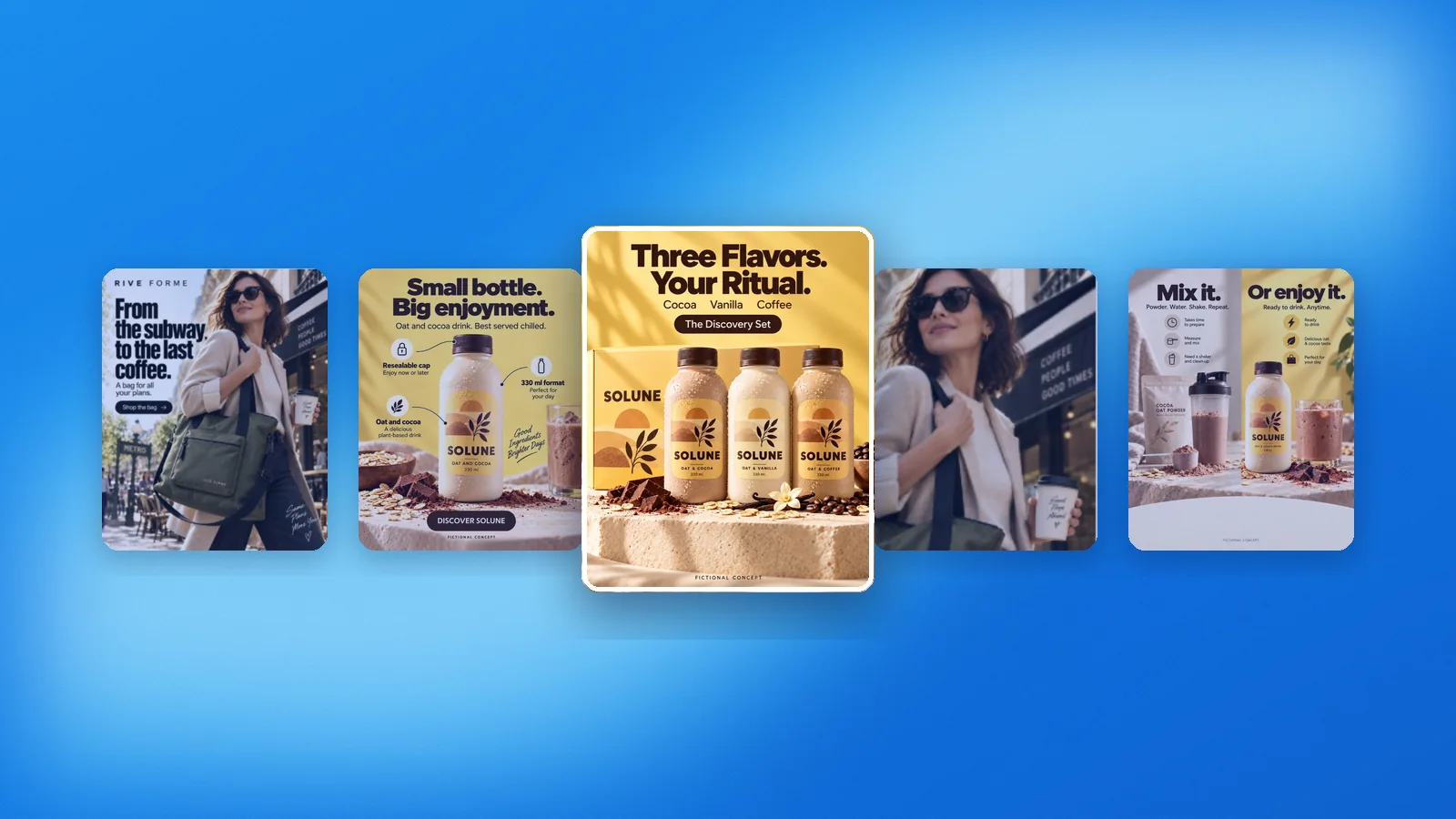
How do you search the Meta Ads Library, step by step?
Go to facebook.com/ads/library. You can search without logging in. Pick a country, set the Ad category to All ads, type a brand name or a keyword, then choose the advertiser’s Page from the suggestions. Meta groups ads by Page, so picking the Page gives you that brand’s active ads, not everyone who used the word.
The steps, as Meta’s help page gives them:
- Open the Meta Ad Library at facebook.com/ads/library.
- Select a country: the one where your customers are. A brand can run different ads in each market.
- In the Ad category menu, choose All ads. The other categories, such as Issues, elections or politics, open narrower databases.
- Type the competitor’s name or a keyword. Meta says a search returns ads that include the term and ads run by Pages whose name includes it.
- Click See ad details on an ad for more: information from the advertiser’s About section and, for a lead ad, details of the lead form.
Search by advertiser when you know your competitors, and by product keyword to find the ones you have not met yet.
One exception: Meta hides creatives for age-restricted products such as alcohol or gambling from people not logged into Facebook.
- Open facebook.com/ads/library
- Pick the country where your customers are
- Set Ad category to All ads
- Search the competitor, then pick its Page
- Filter: status, platform, media type, dates
Which filters matter when you research competitors?
Four filters do most of the work: Active status, Platform, Media type and Impressions by date. Set them in that order. Status keeps you on what runs today, platform separates Instagram from Facebook, media type isolates video from images, and the date range shows what a brand launched recently.
On September 24, 2026, the Filters panel listed Language, Advertiser, Platform, Media type, Active status and Impressions by date.
- Active status. For a regular ad in the US, only active ads are listed anyway. The inactive setting matters for political ads and for ads delivered in the EU or the UK, which stay in the library after they stop.
- Platform. Check Instagram and Facebook separately: a brand often speaks to each audience differently.
- Media type. Isolate video, then images: the format a brand keeps paying for shows where it puts its production effort.
- Impressions by date. Set the last 30 days to see what the brand put in front of people recently.
What to stop: scrolling a broad keyword search. On the day we checked, a search for running shoes in the US returned about 42,000 active ads. Pick the advertiser first, then filter.
What does the Meta Ads Library show for each ad?
For a regular ad, you see the creative, the copy, the date it started running, the platforms it runs on and a Library ID. See ad details adds the advertiser’s About information. The Page view adds when the Page was created and its name changes. That is enough to study the message, not the results.
Two labels on the ad cards are worth more than the rest for research:
- This ad has multiple versions. The card groups variations of one ad. Open it and compare them: the differences show what the advertiser changes from one version to the next.
- Several ads use this creative and text. The same creative runs in more than one ad. Brands rarely duplicate an ad they have given up on, so read it as a sign of investment, not as proof of results.
The start date is the third signal: an ad that started months ago and still runs has survived the advertiser’s own reviews. Unsure what a term means? The Adwize glossary explains every Meta metric in plain words.
What does the library not show: spend, reach or results?
For a regular commercial ad in the US, the library shows no spend, no reach, no impressions, no targeting and no results. Meta adds spend and reach only for ads about social issues, elections or politics. For ads delivered in the EU or the UK, it adds reach and targeting, still without spend.
Social issue, election and political ads. Meta lists active and inactive ads, stores them for 7 years and shows who paid for them. See ad details gives a range of impressions, for example 1K to 2K, a range of amount spent, for example $1K to $1.5K, the share of people by age and gender, and the locations. These are ranges, never exact figures.
Ads delivered in the EU or the UK. Because of the EU Digital Services Act, Meta displays and archives these ads, inactive ones included, for one year after their last impression. It adds the dates the ad ran, the advertiser’s age, gender and location targeting, the total reach there, and reach by location broken down by age and gender. For the EU only, it adds advertiser and payer information. Spend is not on the list.
The practical trick: if a competitor also sells in Europe, set the country to an EU market where it advertises. You see its ads from the past year, stopped ones included, and how many people each one reached: the closest public hint of where it puts its budget.
| Ad type and region | Which ads | Spend | Reach and targeting | How long it stays |
|---|---|---|---|---|
| Regular ad, outside the EU and UK | Active only | Not shown | Not shown | While it runs |
| Regular ad delivered in the EU | Active and inactive | Not shown | Reach by age and gender, targeting, payer | 1 year after last impression |
| Regular ad delivered in the UK | Active and inactive | Not shown | Reach by age and gender, targeting | 1 year after last impression |
| Social issue, election or political ad | Active and inactive | Range, e.g. $1K to $1.5K | Impression range, age, gender, location | 7 years |
| Branded content (paid partnership) | Active, public, since Aug 17, 2023 | Not shown | Not shown | While active |
How do you study competitors in the Facebook Ad Library?
Pick three to five competitors, open each one’s active ads in your country, and sort them by what the library can tell you: start date, multiple versions and duplicated creative. Log only the ads that pass one of those signals, then check again on the same day each week.
- List the competitors your customers compare you with, not the biggest names.
- For each one, open its Page in the library, set the country and keep Active status on active ads.
- Mark the survivors: ads that started more than a month ago and still run.
- Mark the ads with a multiple versions label or a note that several ads use the same creative.
- Log each marked ad in one row: start date, platform, format, hook, offer and landing page.
- Come back weekly. New ads mean a test has started; ads that leave the active list were stopped.
Example. A competitor shows 14 active ads. Three started more than a month ago, and two carry the label 5 ads use this creative and text. Those five go into your file first. The nine launched this week wait: if they still run next week, they join the file.
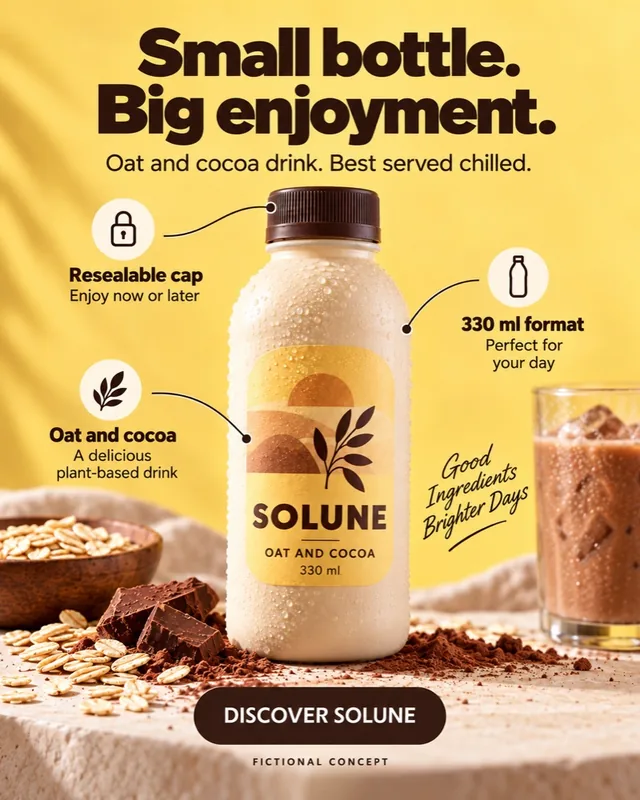
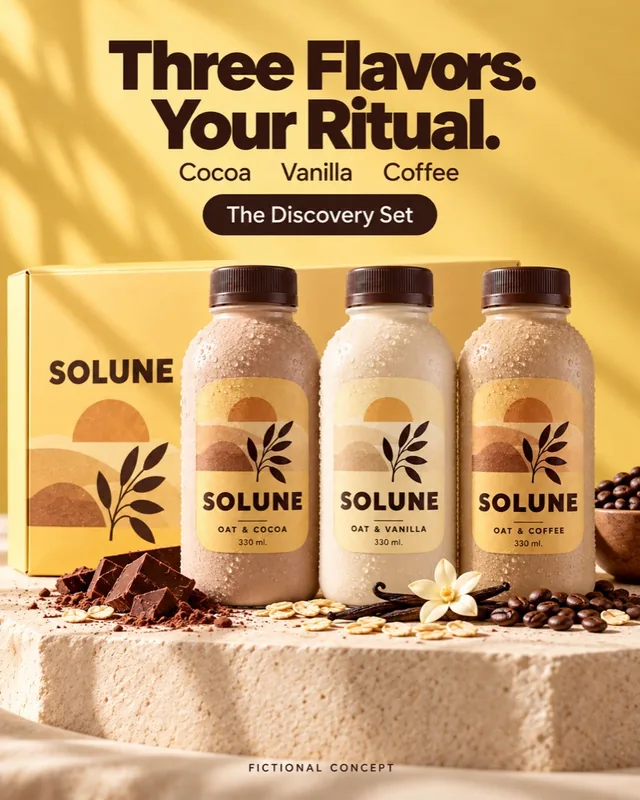
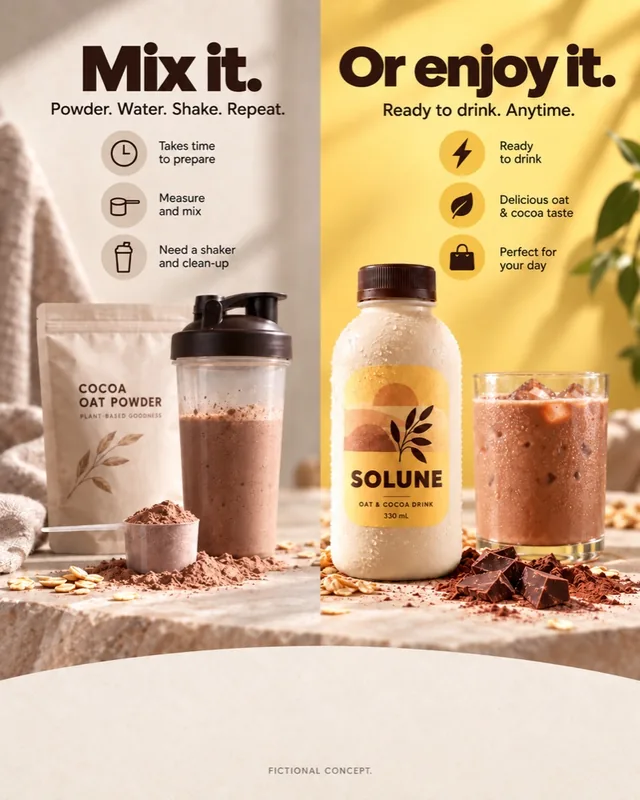
How do you turn competitor ads into ideas without copying?
Break each ad into four parts: the hook, the offer, the format and the proof. Reuse the pattern, never the material. A hook that answers a price objection, a bundle offer or a short vertical demo are ideas anyone can use; the words, images, logo and product shots belong to the brand that made them.
- Hook: the first line of text or the first seconds of video. Note its type: question, number, objection, before and after, customer quote.
- Offer: what the ad asks for and on what terms: discount, bundle, free shipping, quiz. When several competitors lead with the same offer, your market expects it.
- Format: image, video or carousel, and the placement it seems built for. Check the sizes you would need on our Meta ad specs page.
- Proof: reviews, numbers, demos, the founder on camera. Proof is the one part you can never borrow.
Then write your version from your product’s real facts. If three competitors lead with price, a hook on durability may stand out; if they all run still images, a demo video is a gap. Change one thing at a time, as in our guide to testing creatives without wasting budget.
- Hook
- = the first line or first seconds
- Offer
- = what it asks for, on what terms
- Format
- = image, video or carousel, and placement
- Proof
- = the part you must bring yourself
Does a long-running ad mean it is profitable?
No. A long run means the advertiser kept paying for the ad, which is a signal, not a result. The library shows no conversions, no cost per result and no return. Brands also keep ads for awareness, retargeting, or because nobody paused them.
Use run time to decide what to read first, never as proof. What matters is whether the same idea works for your product, at your price and your margin, and only your own test answers that. Before you borrow an offer, check it clears your break-even with the ROAS calculator: a discount that works on a competitor’s price may leave you losing money on every sale.
When a competitor rotates new creative on the same offer every few weeks, it is probably fighting fatigue, a pattern we cover in spotting ad fatigue.
What do the Ad Library API, Report and exports add?
Less than most marketers hope. The Ad Library API covers ads about social issues, elections or politics and ads delivered in the EU or the UK, not regular US ads. The Ad Library Report aggregates spend on political and social issue ads. Downloading searches requires a Facebook login and accepting Meta’s terms.
API access starts with confirming your identity and location, which Meta says typically takes 1 to 2 days, then a Meta developer account and an app.
Branded content has its own search: active, public posts with a paid partnership label, created on or after August 17, 2023. For commercial research, the web search and a weekly sheet are enough.
How do you turn your notes into ads you can test?
Pick one pattern from your notes, write two or three versions of it for your own product, and test them against your current ad. The library gave you a direction; your own results decide. Keep the test small and readable: one variable, the hook first, over a full week.
Adwize creates ad creatives and copy in your brand style, so a hook idea from your notes becomes a variant that looks like you, not like the competitor. See the Create page.
When the variants are ready, Adwize launches the Meta campaign from a sentence: objective, audiences, budget and ads, shown for your approval before anything goes live. Details are on the Launch page. Adwize works with Meta ads only, Facebook and Instagram, and you can start with a free trial with credits.
Frequently asked questions
Is the Meta Ads Library free to use?
Yes. Meta says anyone can view and search it, with no ad account. You need a Facebook login only to download searches and to see creatives for some age-restricted products, such as alcohol.
Can I see how much a competitor spends on Facebook ads?
Not for regular ads. Meta shows a spend range only for ads about social issues, elections or politics. Ads delivered in the EU or the UK show reach and targeting, but no spend.
Can I see a competitor’s old or stopped ads?
In two cases only: social issue, election and political ads, kept for 7 years, and ads delivered in the EU or the UK, archived for one year after their last impression. Elsewhere, an ad leaves the library when it stops running.
Why can’t I find a competitor’s ads?
Check the country first: Meta shows ads for the country you select. Then search the exact Page name, since ads run from Pages. The brand may have no active ads, and Meta can remove ads for serious Community Standards violations or valid government requests.
Does the Meta Ads Library include Instagram ads?
Yes. It covers active ads across Meta technologies, and you can filter by platform: Facebook, Instagram, Messenger and Audience Network. A separate search covers branded content with a paid partnership label on Facebook and Instagram.
Sources
- Meta Help Center, What is the Meta Ad Library and how do I search it?Accessed 09/24/2026
- Meta Business Help Center, About the Meta Ad LibraryAccessed 09/24/2026
- Meta Transparency Center, Meta Ad Library toolsAccessed 09/24/2026
- Meta Ad Library (search and filters, checked live)Accessed 09/24/2026
